
Your needs, this model
Does it fit your priorities?
Do you want to compose labels on a phone and print standard TZe without a keyboard?
The PT-P300BT has no display or keypad. The US guide describes Bluetooth pairing with Brother’s mobile apps; it does not document computer printing or Wi-Fi.
Explore this need in the finder →Is 12 mm TZe and a maximum 9 mm print height enough?
The US guide lists 3.5, 6, 9 and 12 mm TZe; Brother lists up to 9 mm print height and two lines. It cannot meet an 18 mm or 24 mm cassette minimum.
Explore this need in the finder →Can you use a manual cutter rather than requiring automatic cuts?
The PT-P300BT uses a cutter lever and is not documented with an automatic cutter; the base box includes an AC adapter but not the six AAA cells.
Explore this need in the finder →The Brother P-touch CUBE PT-P300BT makes labels through a phone rather than a keyboard. It is a good fit for short, occasional home, school or craft labels when the app workflow sounds easier than composing on a small handheld screen. Its central limits are just as clear: there is no LCD or keypad, the tape tops out at 12 mm, and a person still presses the cutter lever after printing.
Choose it only if a phone is part of the routine
Open Brother’s P-touch Design&Print 2 or iPrint&Label app, connect the printer over Bluetooth, make the layout on the phone or tablet, then send it to the small cube. That moves editing and preview away from the printer, which is comfortable for someone who already creates lists, names or simple layouts on a mobile device. You can use phone text tools and see a larger design canvas than the little monochrome displays on a PT-H110 or PT-D220.
The reverse is that this is not an independent keypad machine. If a guest, child or shared office user must start a print without a compatible mobile device, there is no local screen or keyboard to fall back on. The US support specification identifies Bluetooth, and the model’s US guide shows pairing a phone or tablet; it does not document a PC design route. Brother’s current retail description loosely refers to a “wireless network” while also naming Bluetooth, but the manual describes direct Bluetooth pairing, not a Wi-Fi network. Treat it as a Bluetooth phone printer.
The app choice matters more than an advertised number of frames or symbols. Brother’s current product page gives inconsistent Design&Print 2 counts in different parts of the same description. The guide establishes the two apps and the procedure, but not one reliable printer-resident count. Make a sample in the app you expect to use before buying for a particular template or decoration. The product page also has a generic “100 labels stored” specification, while the guide describes saving label data in an app. That does not establish a 100-file memory inside the machine.
A modest TZe cassette ceiling
The PT-P300BT uses Brother TZe tape only, in 3.5, 6, 9 and 12 mm widths. Brother’s page lists a 9 mm maximum print height and up to two lines, enough for short names, jar contents, drawer dividers and compact folder labels. It is not the way to get a broad shelf-edge label or a 24 mm asset tag: the PT-P710BT is the better CUBE choice when 18 or 24 mm TZe is essential, while the PT-D610BT offers wide tape plus a physical keyboard and color screen.
Brother’s documentation names several specialty TZe materials. Compatibility with a cassette does not guarantee that every adhesive is right for every surface. For a textured container, a curved cable or fabric, check the specific tape instructions and test a small area; clean, dry, smooth surfaces are the simplest jobs. Laminated tape can create a crisp, durable-looking strip, but does not turn a small label into a permanent marking for every environment.
There is no preview screen on the PTP300BT itself. Composition happens before the label reaches the cutter, so read the phone preview and print a short test before preparing a batch. Brother notes that application/device preview can differ from print and that label margins may be larger than expected. Its guide gives app settings for reducing repeated gaps on later labels, but the machine still feeds and cuts tape and some blank lead remains part of cassette printing. This is a small-run convenience, not a promise of zero-waste batch production.
Power and the supplied kit
For a table or counter, the base PT-P300BT package includes an AC adapter and a 12 mm, 4 m black-on-white starter cassette. For occasional travel, it can also run on six AAA alkaline or Ni-MH cells, which are not included. That is a useful choice between a fixed station and a portable one; it is not a rechargeable-battery printer. The machine is about 4.5 × 2.4 × 4.5 inches and 0.8 lb without batteries or cassette according to Brother’s US support specification. Allow space in front for tape movement and the cutter lever even though the housing is compact.
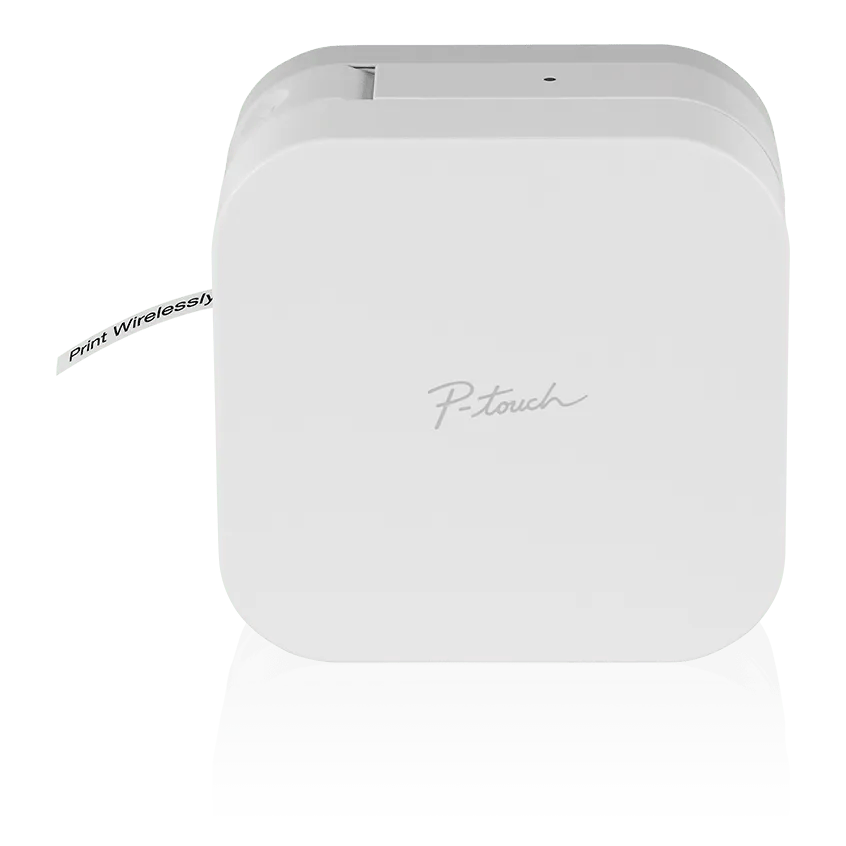
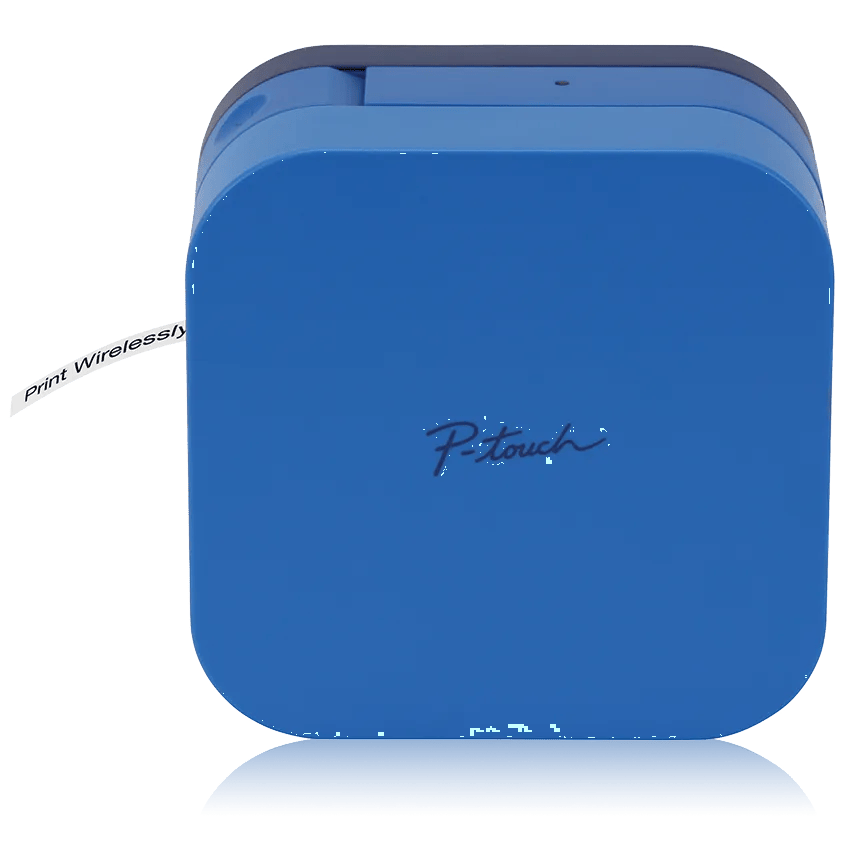
One observed catalogue offer, PT-P300BTBU, is the blue-finish variant. Brother lists the same support identity, p300bteus, and the same PT-P300BT functional family, while its front image shows a blue body rather than the white PT-P300BT pictured here. Treat that as a finish/package choice, not a different print engine, tape range or app system. Confirm the exact code and the sample cassette in the seller’s box listing.
Who should choose a different printer?
Pick the PT-P300BT if you prefer a phone canvas, need no more than 12 mm TZe and value the included wall adapter. The PT-H110 is a more self-contained alternative for familiar QWERTY typing without a phone. The wider PT-P710BT keeps phone editing but adds USB computer printing, automatic cutting, a rechargeable Li-ion battery and tape through 24 mm. The PT-D610BT is a stronger fit for repeated desk work when its on-device keyboard, color display and automatic cutter are useful; it is larger and uses a different power routine.
Decide first whether the phone is always available, whether a 12 mm label will actually fit your shelf or container, and how much hand finishing your print volume can tolerate. Brother’s PT-P300BT product page, US specifications and version 05 User’s Guide are the exact-model checks for software, cassette, power and package details.
Key details at a glance
| Maximum tape width | 12 mm |
|---|---|
| Compatible cassette | The PT-P300BT User’s Guide requires Brother TZe cassettes in 3.5, 6, 9 or 12 mm widths. Its 12 mm maximum is narrower than the PT-P710BT’s 24 mm ceiling. The observed blue PT-P300BTBU is a finish/package SKU sharing support identity p300bteus; it is documented as a covered variant, not a separate printer design. |
| Display type | No LCD or physical keyboard; compose on a paired smartphone or tablet and read status from an LED. |
| Maximum combined print height | 9 mm |
| Maximum lines per label | 2 |
| Line-count note | Brother lists a maximum of two lines; the PT-P300BT is limited to 9 mm print height and the available text size depends on tape width and app layout. |
| Body dimensions | Brother’s US PT-P300BT specification gives approximately 4.5 × 2.4 × 4.5 in (W × D × H) and 0.8 lb without batteries or tape cassette. |
| Tape cutting | The PT-P300BT has a user-operated cutter lever; the guide does not document an automatic cutter. It shows app settings that can reduce repeated gaps on later labels. The exact guide does not establish a 25 mm lead-length figure for this model. |
| What the base package supplies | The PT-P300BT white base package includes one 12 mm × 4 m black-on-white starter TZe cassette, an AC adapter and documentation. Observed PTP300BTBU is the blue-finish offer under the same p300bteus support identity; Brother’s exact listing shows the same printer function and box contents. Verify the exact finish/SKU and included cassette at purchase. |
Use the exact model’s instructions for operating limits, supplied equipment and version differences.
Sources for this assessment
Put the device and its tape system together.
Match the exact model, cassette family, computer or network route and any optional power or touch-panel hardware before buying.